Speed up a computer
clean temp via powershell
|
$profiles = Get-ChildItem 'C:\Users' | Where-Object {
$_.PSIsContainer -and
$_.Name -notin @('All Users', 'Default', 'Default User', 'Public', 'desktop.ini')
}
foreach ($profile in $profiles) {
$tempPath = Join-Path -Path $profile.FullName -ChildPath 'AppData\Local\Temp'
if (Test-Path $tempPath) {
try {
Write-Host "Cleaning: $tempPath"
Get-ChildItem -Path $tempPath -Recurse -Force -ErrorAction SilentlyContinue | Remove-Item -Recurse -Force -ErrorAction SilentlyContinue
} catch {
Write-Warning "Failed to clean: $tempPath - $_"
}
}
}
|
run perfmon /rel
run perfmon /report
run cleanmgr for disk cleanup
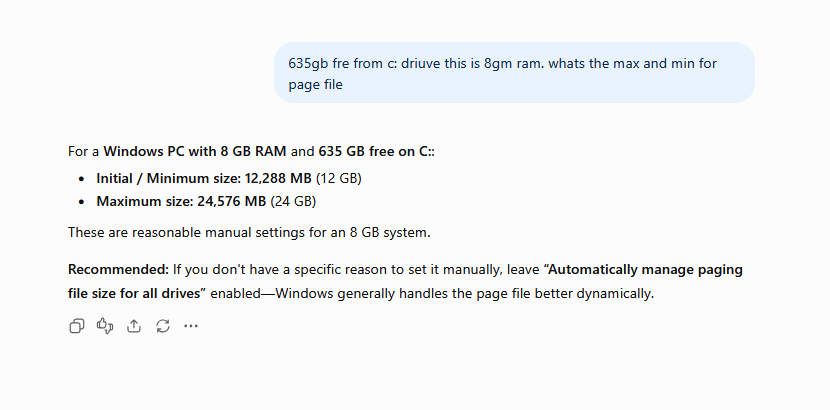
sysdm.cpl > advanced > setings > advanced > change virtual memory